Free text to speech

Voice comparison

Text to Speech vs AI Voice: Pick the Right Approach

The useful question in text to speech vs ai voice is what your recording needs to do. Text To Speech helps you assess straightforward spoken output against more expressive production, without assuming one label guarantees better sound.

Verdict first: choose by the job

Choose dependable reading for utility; prioritize performance and editing control when the delivery itself carries the message. The table below makes that distinction concrete.

Dimension by dimension: the limits

Neither category is a promise of natural delivery. Available controls and results depend on the specific tool and voice you test.

1

A label cannot predict the sound

Many AI voice tools turn written text into speech, so the categories overlap. A product calling itself AI-powered may still read a sentence with flat timing or misplaced emphasis.

What to do instead

Audition the same representative paragraph in each candidate voice, including names, numbers, and punctuation.

2

Expression may need direction

An expressive voice can sound convincing on one sentence and overplay the next. It cannot reliably infer your intended mood from a neutral script alone.

What to do instead

Rewrite ambiguous lines, split long sentences, and check the resulting audio rather than trusting a style label.

3

Neither option repairs weak copy

Awkward wording, unexplained abbreviations, and dense lists remain hard to follow when spoken aloud. Changing the voice will not make the message clearer.

What to do instead

Edit for listening first: use short clauses, spell out unfamiliar terms, and pause at meaningful transitions.

4

This comparison cannot certify rights

Voice usage terms, consent rules, and permissions for sharing generated audio vary by provider and voice. This page cannot grant permission to imitate a real person.

What to do instead

Check the chosen tool’s current terms and use a voice you are authorized to use.

Dimension by dimension: test a real script

A short listening test is more useful than judging either approach by a feature name.

  1. 1

    Select a representative passage

    Use a paragraph from the actual project, not a polished demo sentence. Include a difficult name, a number, and a line that needs a particular tone so both text to speech and AI voice face the same test.

  2. 2

    Listen without reading along

    Play each version once with the script hidden. Note whether you understand the words, where the pauses land, and whether the delivery matches the intended audience. Check for distracting changes in pace.

  3. 3

    Revise and repeat

    Fix the script before changing voices repeatedly. If straightforward text to speech becomes clear after a small edit, added expressive controls may be unnecessary. If tone still matters, try a voice with suitable delivery options.

Dimension by dimension: side-by-side

For text to speech vs ai voice, compare the controls and output you can actually hear; the names alone do not establish a technical boundary.

Straightforward text to speech Expressive AI voice workflow
Primary aim Make written words audible and understandable. Shape a spoken performance for a particular audience or scene.
Best first test Check accuracy, pronunciation, and comfortable listening pace. Check those basics plus tone, emphasis, and emotional fit.
Script preparation Plain, well-punctuated copy is often a sensible starting point. Direction may require shorter lines, intentional pauses, or alternate wording.
Editing effort A usable read may need only pronunciation and pacing fixes. Matching a desired performance may take multiple listens and revisions.
Common failure Correct words delivered with little variation. Expressive delivery that stresses the wrong idea or sounds inconsistent.
Good fit Reading support, routine instructions, and informational drafts. Characterful narration, promotional scripts, and tone-sensitive storytelling.
Decision rule Choose it when clarity does the job without further direction. Choose it when the performance changes how the message is received.

Who each suits

The right choice depends less on whether a voice is called AI and more on what a listener must take away.

Student reviewing notes

A learner wants to hear a chapter summary while checking whether its key points make sense.

Start with clear text to speech. Prioritize accurate reading and an easy pace over dramatic delivery; compare available text to speech voices using the same excerpt.
text to speech voices

Editor checking an explainer

A writer needs to catch clumsy sentences before a script is recorded or shared.

Use a plain readout first. Hearing the words exposes crowded phrases; a text to speech converter workflow can help test each revision before selecting a final voice.

text to speech converter

Creator making a short scene

A narrator must sound curious in one line and reassuring in the next.

Test an expressive AI voice, but listen for exaggerated shifts. If emotional delivery is central, compare text to speech with emotion free options on the actual scene.

text to speech with emotion free

Team publishing an announcement

The message must remain understandable when people listen without seeing the accompanying text.

Begin with clarity, then assess tone. If neither candidate works after editing the copy, consider a text to speech alternative free workflow rather than forcing an unsuitable voice.

text to speech alternative free

Migration path: keep the script, change the delivery

Moving from a functional readout to an expressive version should preserve the words that already work.

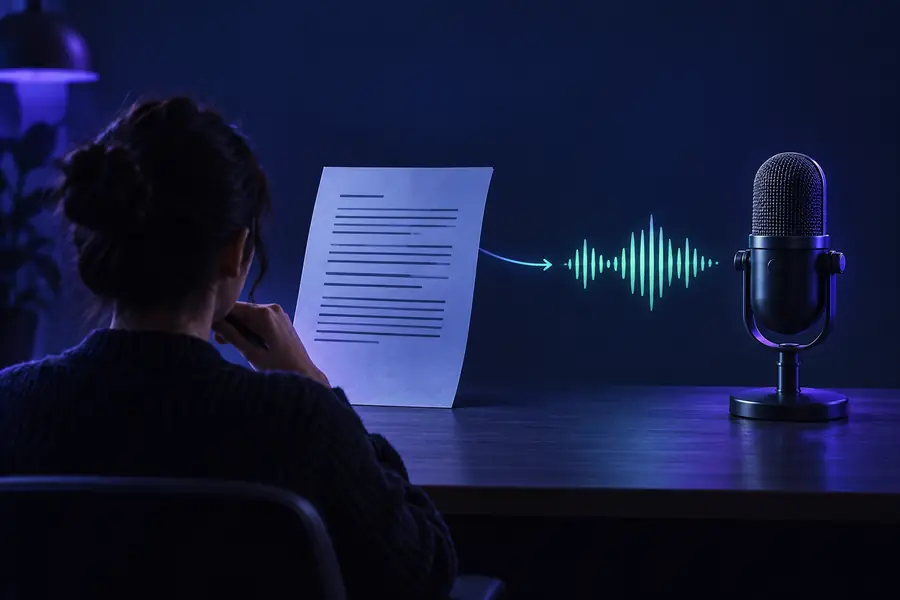
Illustration representing a straightforward spoken-script workflow
Clear first read
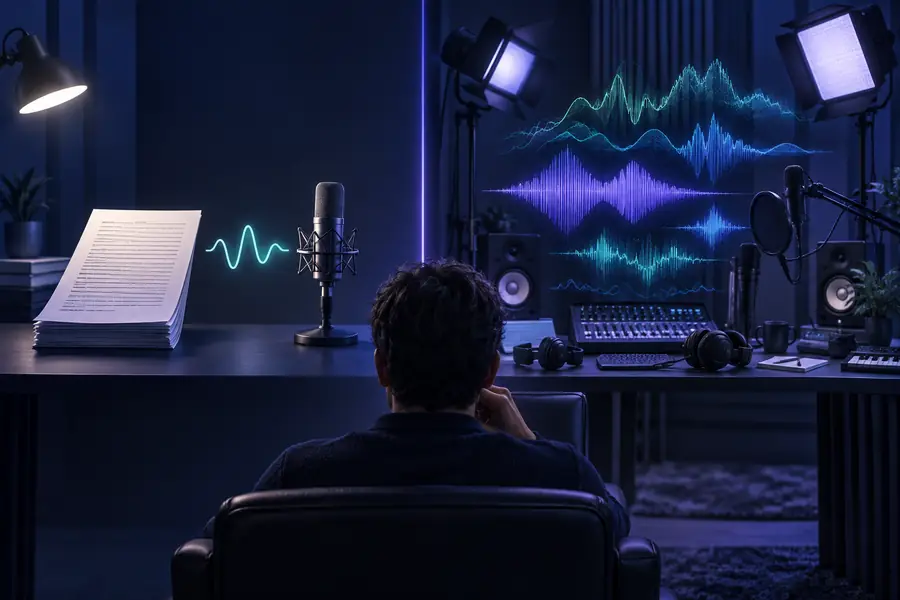
Illustration representing a voice-selection workflow
Tone-aware revision

These illustrations show workflow choices, not an audible before-and-after test. Save the clear version, mark only lines that need a different tone, and compare both recordings by listening.

Clear first readTone-aware revision

Migration path: try the passage that matters

Take a short passage from your project and listen for clarity first. If its meaning depends on warmth, urgency, or character, revise that passage and test an expressive delivery. Keep the simpler version when it communicates just as well.

Hear the script before you commit to a style

  • Use the same words for a fair comparison
  • Judge pronunciation and timing before style
  • Keep a version you can return to
Try a voice

Comparison FAQ

Not necessarily. An AI voice tool can use text to speech to produce its audio, while the term often emphasizes voice quality or expressive control. Compare actual output and available editing options instead of treating the names as mutually exclusive.

Clear pronunciation, sensible pauses, and a comfortable pace matter most for article listening. Straightforward text to speech may meet those needs without a more directed performance. Test a paragraph with headings and unfamiliar terms before deciding.

No. Results vary by voice, script, and the way a tool handles emphasis and pauses. An expressive voice can sound less natural than a simpler one when its delivery does not fit the sentence.

Switch when a clear read still misses a tone that the audience needs to understand the message. Try the same passage both ways and check whether the expressive version improves communication rather than merely adding drama.

Either can work if the audio is clear and appropriate for the project. Listen to the complete result for pronunciation, consistency, and distracting pauses. Before sharing it, check the chosen voice’s usage terms and any relevant consent requirements.

Create audio
Create audio